Create Wayline
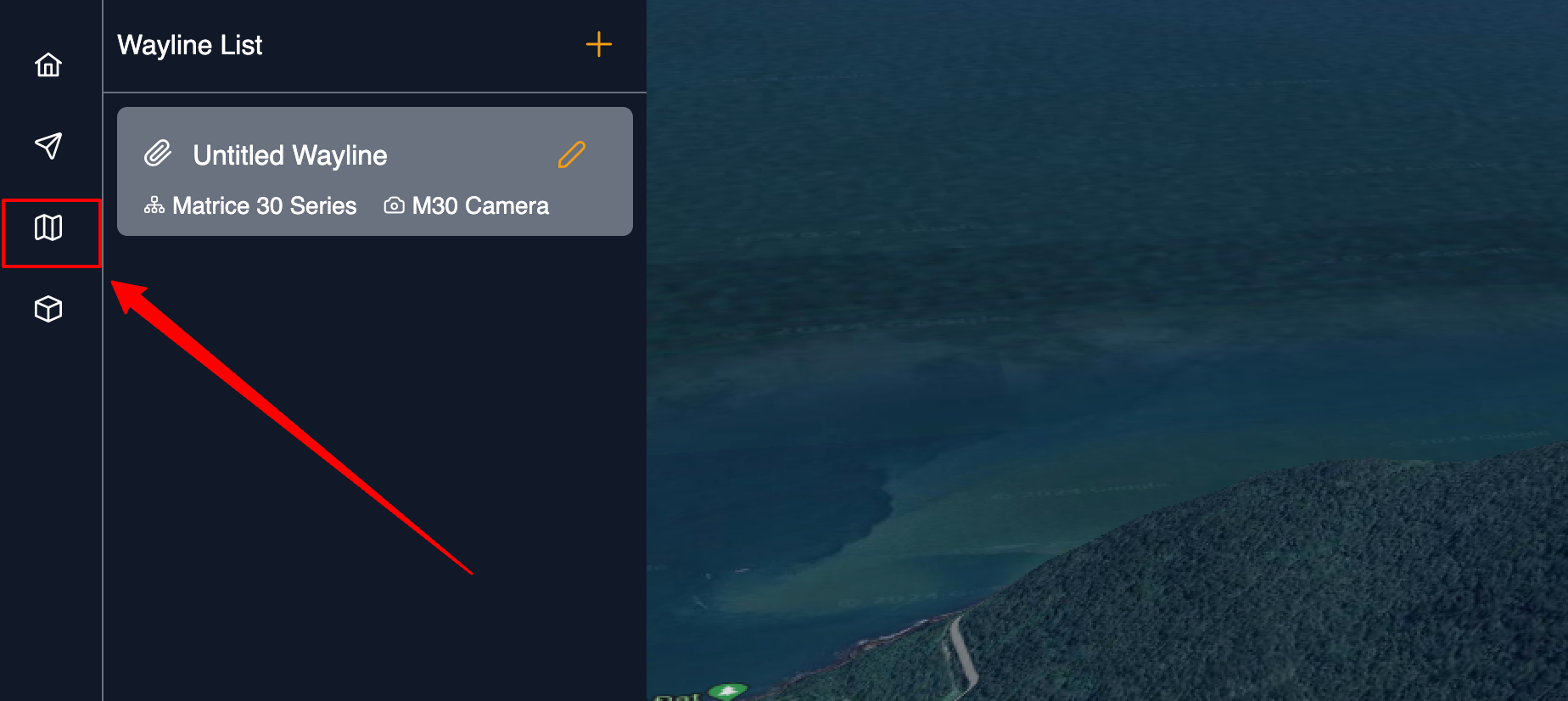
On the left navigation, clicking the "Mission" icon to access to the wayline list page. Click "+" in the upper right corner of the wayline list and fill in the information below to create a new wayline.
Users can enter the wayline name, choose an aircraft device and payload, select a wayline type (either Area or Waypoint), and then click the "OK" button to proceed. Please refer to the following screenshot:
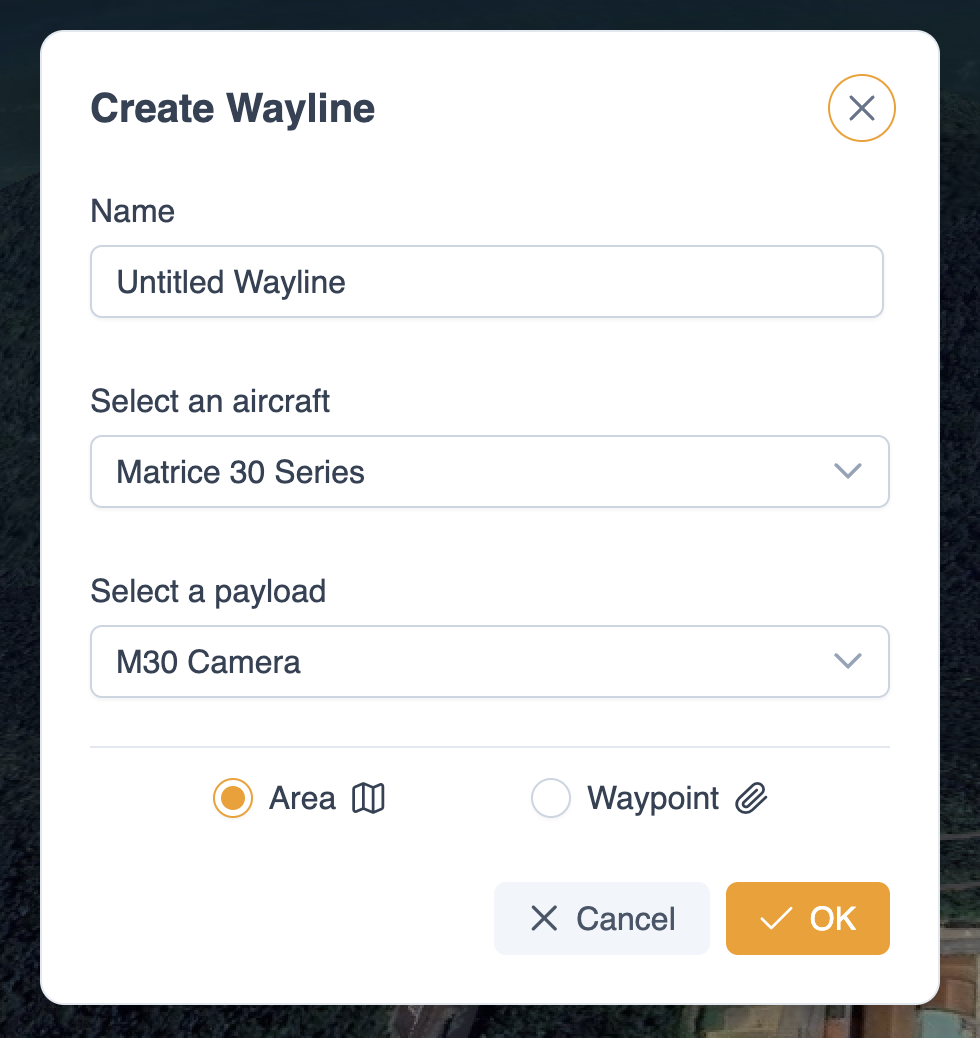
1. Route Type
Area or Waypoint.
2. Select Aircraft
The Matrice 3D series, Matrice 30, and Mavic 3 enterprise series are supported.
3. Select Payload
Users should select the correct aircraft payload before planning the wayline.
4. Wayline Name
The route name is required and should be within 60 characters.
Click OK to create the wayline.